
Failed webhooks
When a webhook delivery cannot reach your server, MessageBlue keeps the payload rather than dropping it. This screen lists those deliveries and lets you replay them: “Retry re-POSTs the stored webhook payload.”
Nothing is lost while your endpoint is down — an outage becomes a queue to work through rather than a hole in your data.
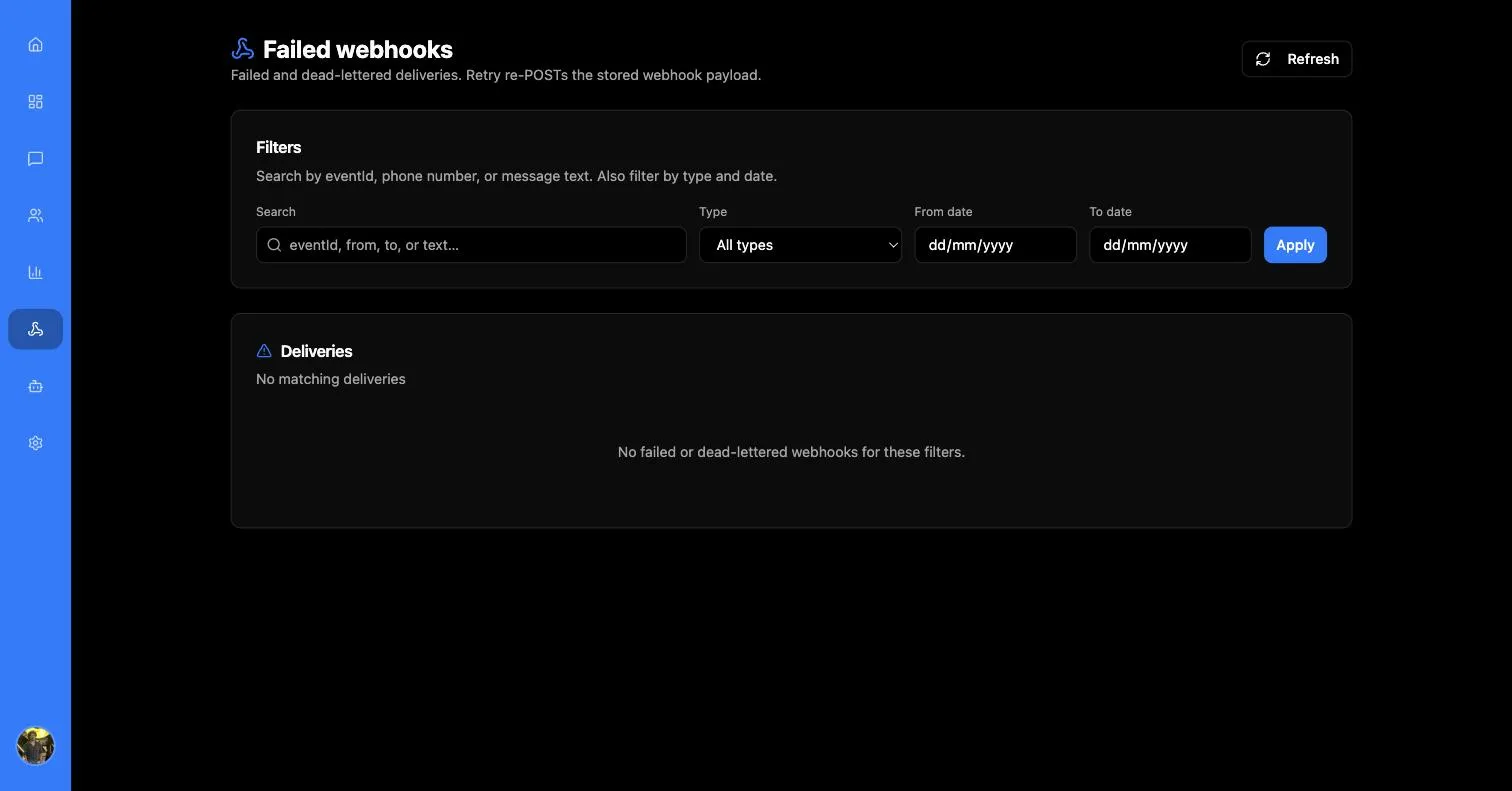
An empty table is the state you want. It means every event MessageBlue tried to deliver was accepted by your server.
Finding a delivery
The search box matches on event ID, phone number, or message text, and three more filters narrow it further:
Press Apply to run the query. With no matches you get “No failed or dead-lettered webhooks for these filters.” — worth re-reading before concluding nothing failed, since a stale date range is the usual cause.
Reading the table
Statuses mean different things:
Inspecting one delivery
Clicking a row expands it into the full record: the complete message text, the webhook URL it was sent to, updated and delivered at timestamps, the attempt count, the full attempt history, and the complete request body that was POSTed.
The attempt history is the useful part when debugging a persistent failure — it shows whether every attempt failed the same way (your endpoint is consistently rejecting it) or differently (an intermittent problem).
The Full body panel is exactly what your server would have received. Replaying it locally with curl is the fastest way to reproduce a handler bug without waiting for another live event.
Retrying
The retry button re-POSTs the stored payload and confirms with “Webhook redelivery enqueued. Status updates to redelivered on success.”
Only failed and dead_lettered rows can be retried — the button is disabled elsewhere and explains why: “Only failed or dead_lettered can be retried.”
Fix the cause before you retry in bulk. A retry against an endpoint that is still broken simply fails again, and your handler must be idempotent regardless — a redelivered event carries the same event ID as the original, so any handler that creates records without checking will duplicate them.