
Group chats
Creating and managing multi-participant iMessage threads
Group chats work like Messages but with several participants in one thread. They are listed and read the same way; creating them is where the rules differ.

The layout is shared with Messages, so a few labels are reused verbatim — the list is still headed Messages and the create button still reads New conversation. You are in the right place if the left rail’s group icon is highlighted.
Creating a group
New group chat collects participants and an opening message:
Add 2–31 other participants (your assigned agent is included automatically). An intro message is sent when the group is created.
Phone numbers must be entered in E.164 format — a leading +, the country code, then the national number, with no spaces, dashes or brackets. For example +15550109988. The app rejects anything else before it reaches the gateway.
Numbers are added one at a time with Add and can be taken back out with Remove. The intro message is required — it is the message that actually creates the thread on Apple’s side.
The size rules
Everyone must be on iMessage
If any participant cannot receive iMessages the whole group is refused:
Not all participants are iMessage-capable. Remove non-iMessage numbers and try again.
There is no partial creation and no SMS fallback for group creation — remove the offending numbers and try again.
The waiting period after creation
This is the behaviour that surprises people most. Creating a group sends your intro message, but you cannot send a second message straight away:
Intro message sent. You can view it here; send more after someone replies or when the group ID is ready.
Until Apple returns a stable group identifier — which happens when the first reply arrives — further sends are rejected with “Wait for someone to reply in the group before you can send more messages.” A banner sits at the top of the thread while the group is in this state.
This is a constraint of how iMessage group identifiers are assigned, not a MessageBlue rate limit. Waiting for a reply is the only thing that resolves it — retrying does not help.
When the New group button does nothing
Group creation is not available in every environment. Where it is switched off, pressing the button produces a notice rather than the dialog:
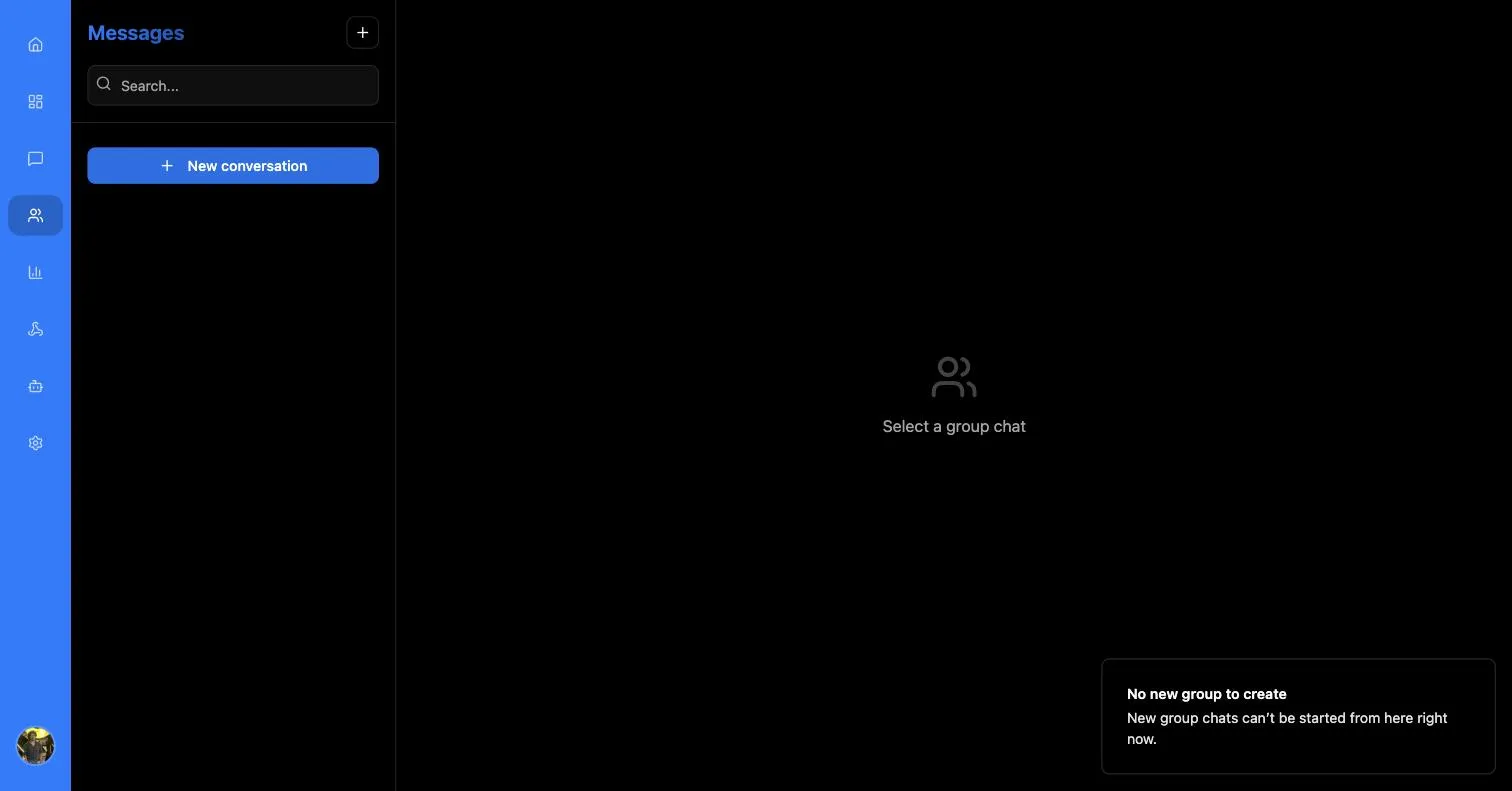
No new group to create — New group chats can’t be started from here right now.
Existing groups remain readable and repliable when this happens; only creation is blocked. As with one-to-one chats, an app with no assigned number cannot start a group at all — see Phone numbers.